September 2026 Product Update
By GeoRankers Team · Updated on September 3, 2026
We spent the past month redesigning the app around a new left-hand sidebar with a refreshed look across every page, adding Market & Country Grounding so your AI visibility results reflect a specific country's questions and answers, and fixing issues across billing, comparative claims accuracy, onboarding access, and Trends/Results display.
New Sidebar Navigation & Refreshed UI
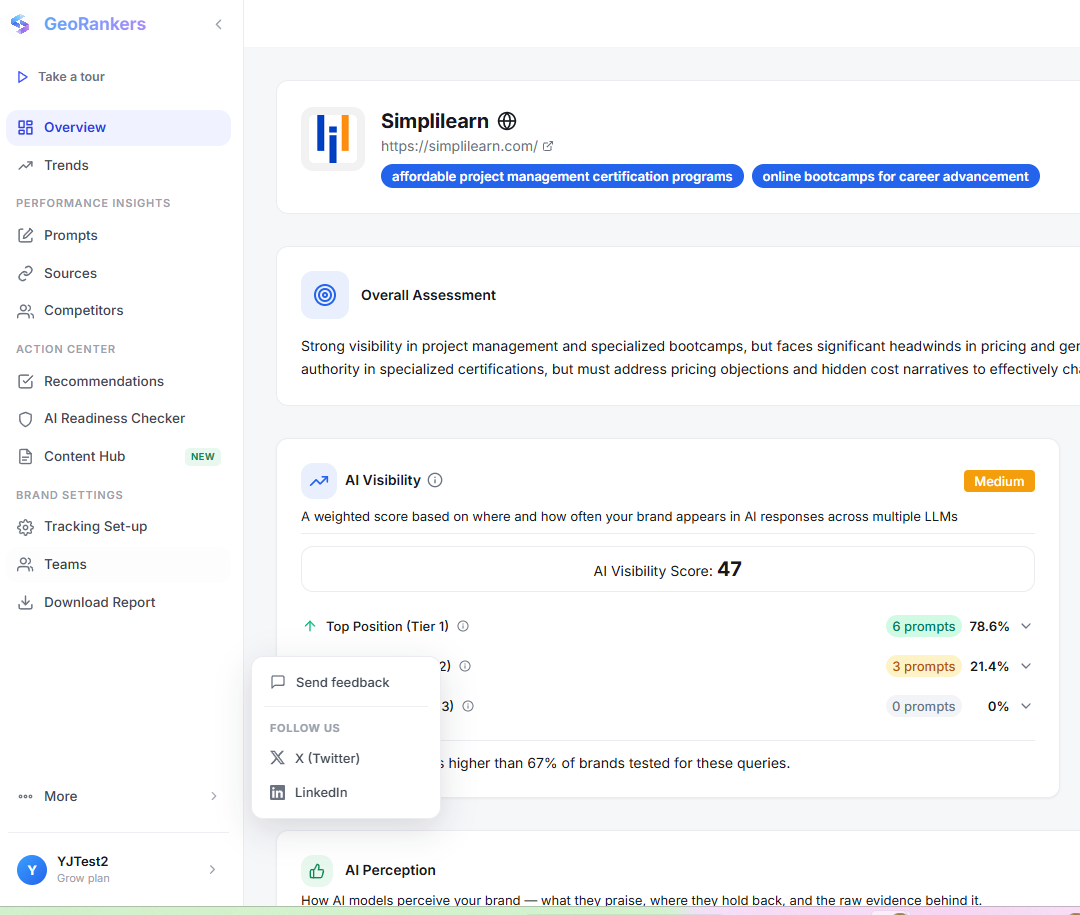
GeoRankers has a new look, built around a left-hand sidebar and a single, consistent design system across every page you use.
New Left Sidebar
What it is: A left-hand sidebar for one-click access to Dashboard, Results, Trends, and Settings from anywhere in the app.
How it works: Every page, including Dashboard, Onboarding, Billing, and all Results tabs (Overview, Trends, Prompts, Sources, Recommendations, Content Hub), shares a consistent, refreshed look, and chart colors on Overview and Trends have been updated to be easier to read.
Rebuilt Product Tour
What it is: The in-app guided product tour has been rebuilt around the new sidebar layout.
How it works: Walks new users through Overview, Trends, Performance Insights, and Action Center using the new sidebar layout, so the tour matches what is on screen.
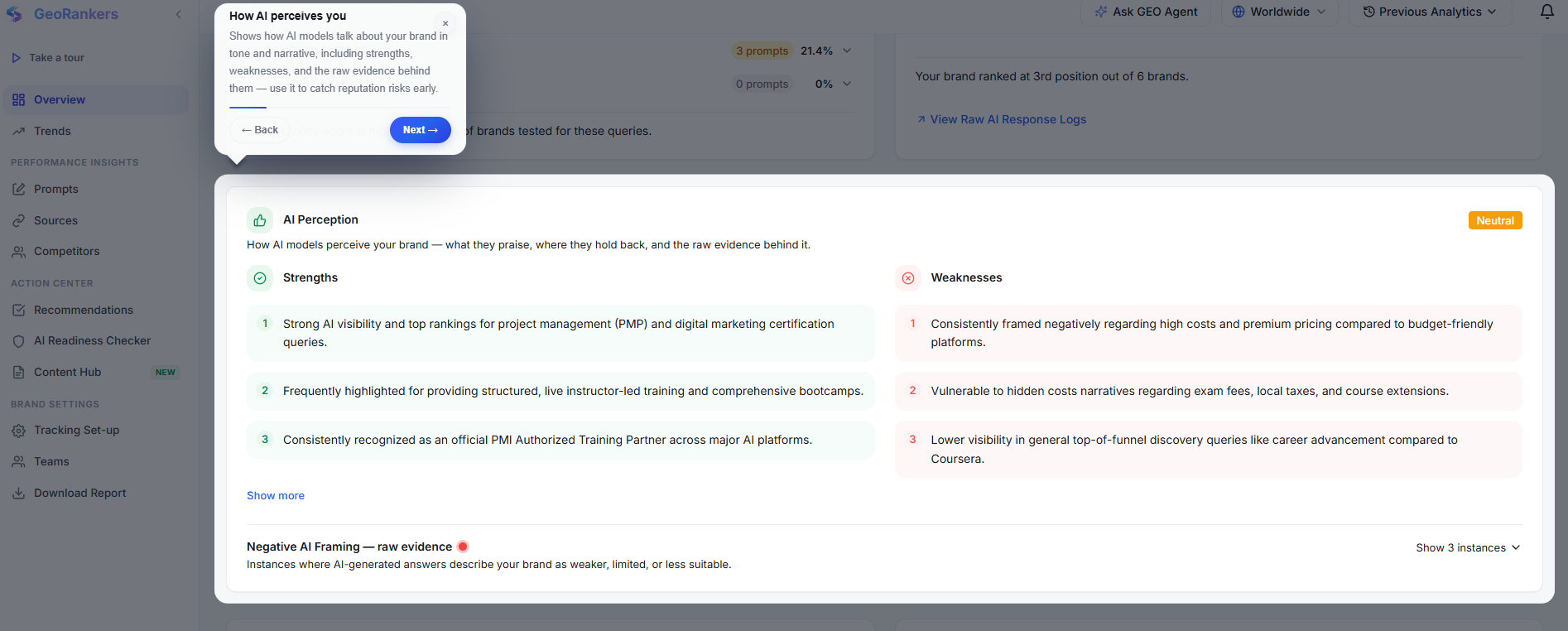
How to use it: Nothing to turn on. It is just there when you log in. Use the sidebar to navigate the app.
Market & Country Grounding
Your AI visibility results can now be grounded to the market that matters to you. This is not just a label on your results. The actual questions asked to ChatGPT, Google AI, and Perplexity, and the AI responses you are scored against, are tailored to that country, so what you see reflects how your brand actually shows up to someone searching from that market.
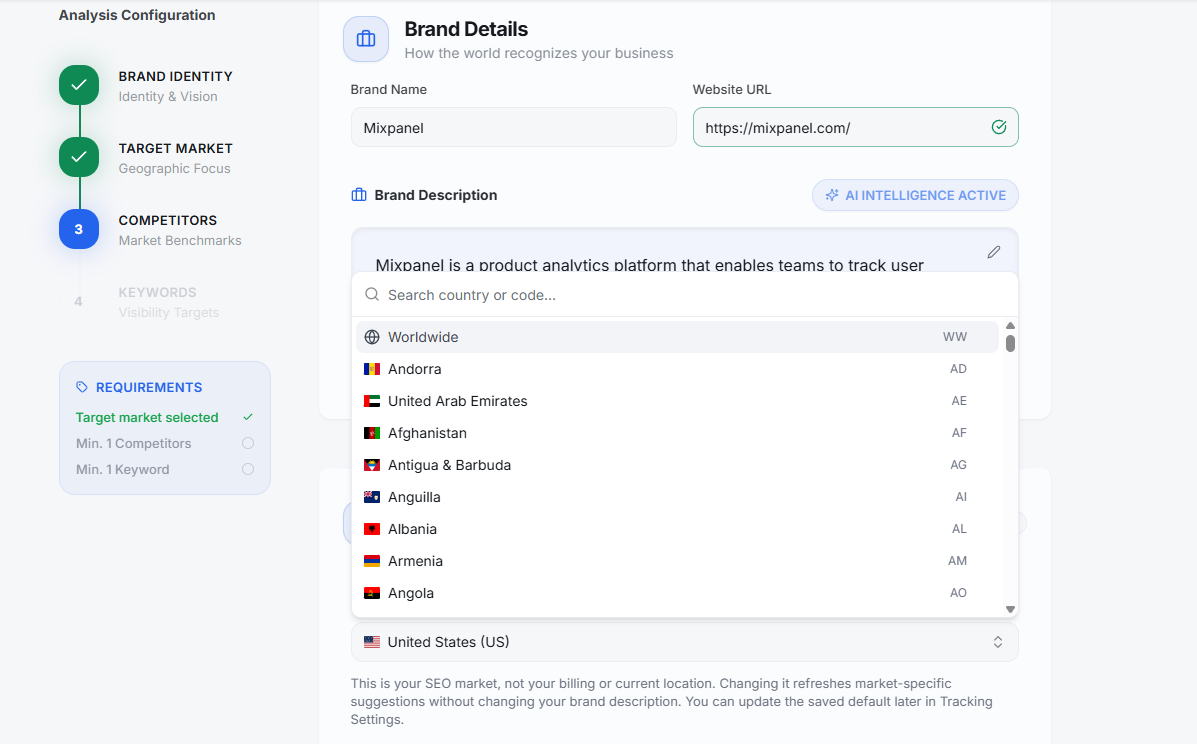
Choose Your Market During Onboarding
What it is: A target country you pick while setting up your brand.
How it works: Search and select any country as part of onboarding. This becomes your default market for scheduled and future analysis runs.
Change It Anytime from Tracking Set-up
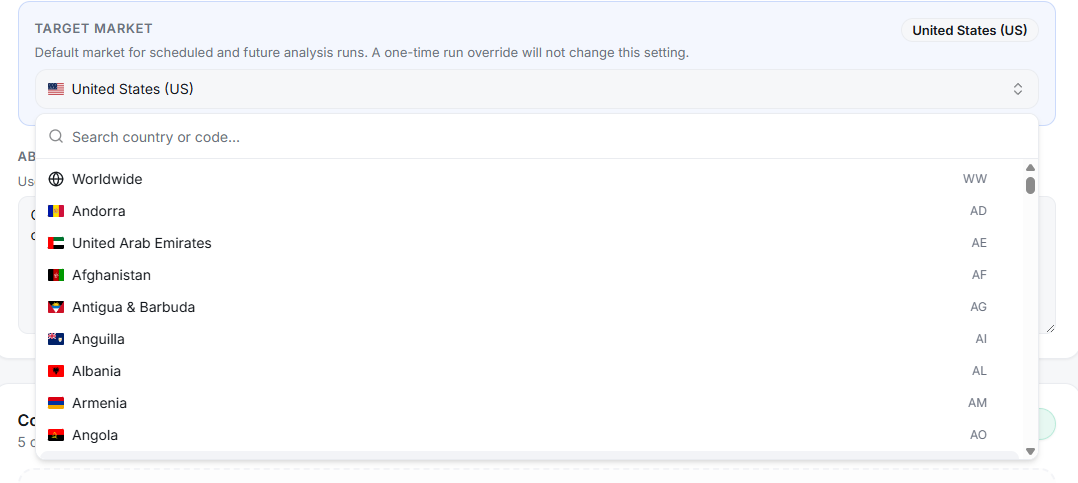
What it is: A way to update your target market later without redoing onboarding.
How it works: Open Tracking Set-up and pick a new country. It applies to your next scheduled run (a one-time run override will not change this default).
Switch Markets on Results
What it is: A country selector in the Results header for flipping between markets you have analyzed.
How it works: Each market shows only its own runs, for example United States vs. Worldwide, and Previous Analytics updates to match whichever you pick.

Per-Country Trends
What it is: Run-over-run performance broken down separately for each country you track.
How it works: Use the country selector alongside the date-range filter on Trends to compare how your visibility shifts market by market.
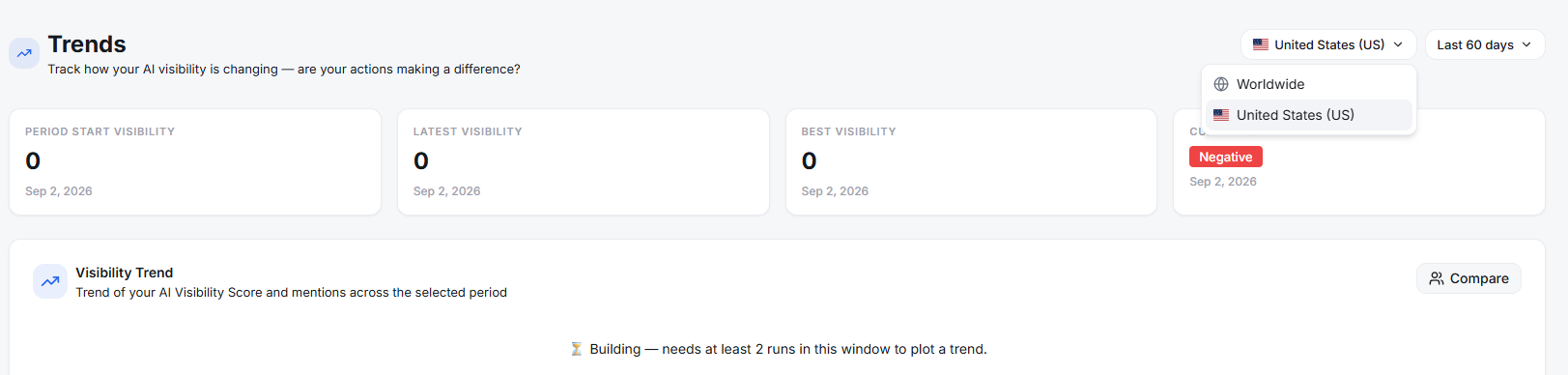
How to use it: Set your market once during onboarding, then adjust it anytime from Tracking Set-up, Results, or Trends. Each view remembers the market you have selected.
Bug Fixes & Reliability
Billing
Some users ran into errors while entering payment details or renewing their plan, sometimes leaving the payment stuck without confirming. Checkout and renewal now complete reliably.
Comparative Claims Accuracy
When your brand had no visibility or was tied with a competitor, the AI would sometimes still describe you as "ahead of" or "behind" them, a claim that was not actually true. Comparisons like this are now only shown when there is real data to back them up.
Onboarding Access
Users whose free trial expired before they finished setting up their product would land on a blank page with no way forward. They are now taken to a screen that explains what happened and how to continue.
Trends & Results Display
On some Trends and Results tables, scrolling would cause the header row to overlap with the data underneath, making it hard to read. Headers now stay fixed and readable while you scroll.
AI Assistant Responses
The in-app chat assistant would sometimes cut answers short or leave out relevant detail. Responses are now more complete and useful.
Ready to explore these updates?
Dive into your dashboard to start using the latest features and improvements we added to GeoRankers.
Go to Dashboard