June 2026 Product Update
By GeoRankers Team · Updated on June 3, 2026
Over the past month, we launched the Content Hub, turning AI visibility gaps into ready-to-write content, added a Raw Evidence Modal so every score on your dashboard traces back to the literal AI response behind it, introduced a guided Product Walkthrough for new accounts, added the Your Pages in AI Responses module, and rolled out GEO Agent, a chat assistant that answers questions about your brand's AI visibility using your own tracked data.
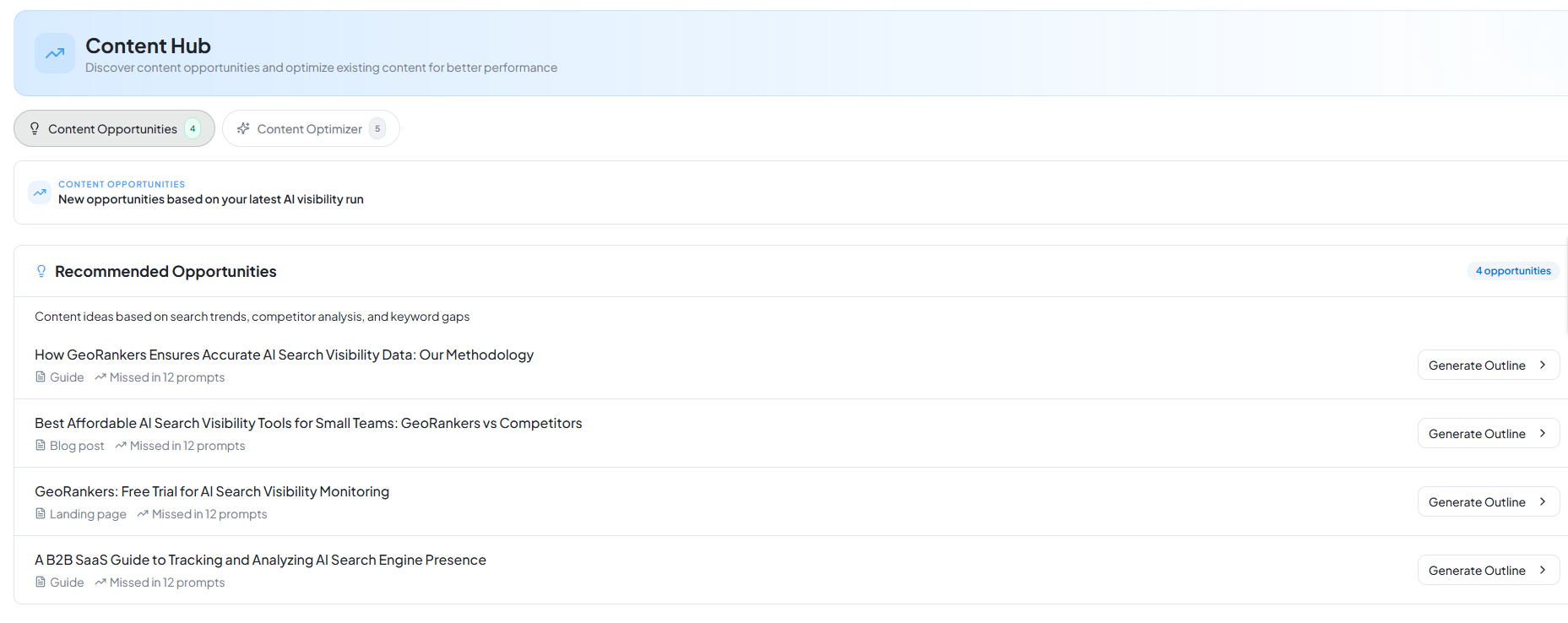
Content Hub launches in Action Center
What it is: A dedicated space that turns AI visibility gaps into ready-to-write content, and turns existing content into a scored improvement plan.
How it works: Content Opportunities pulls directly from your latest completed run — every recommendation is generated from real gaps in your AI visibility, not generic keyword research. Each opportunity expands into a full outline: section objectives, talking points, suggested word counts, and an "AI Insight" callout explaining why that structure tends to get cited. Content Optimizer works the other direction — submit existing content and get GEO-specific improvement recommendations against it.
How to use it: Go to Action Center → Content Hub. Click any card under Content Opportunities to generate a full outline, or switch to Content Optimizer and paste/upload existing content for a review.
Raw Evidence Modal
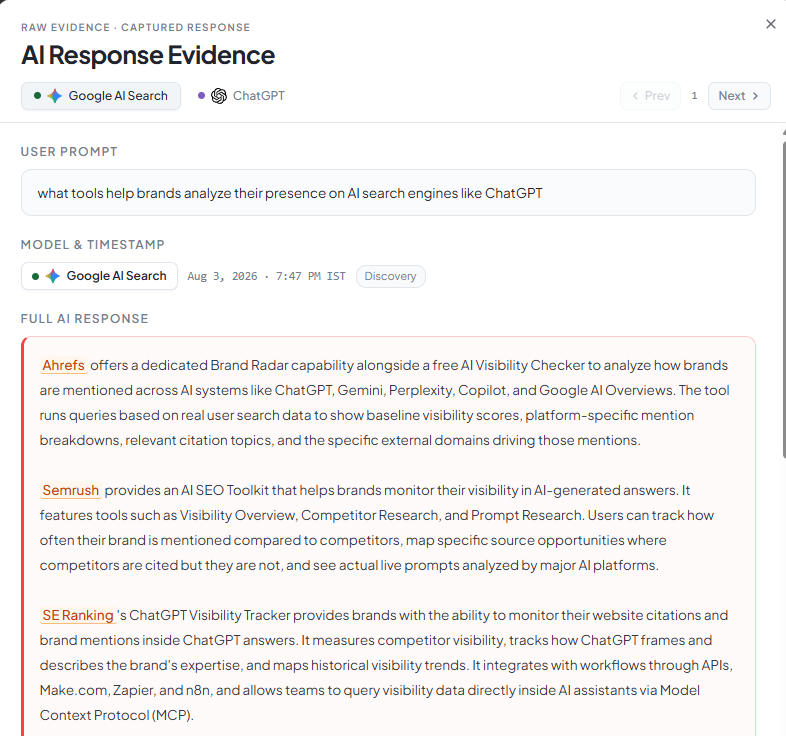
What it is: A way to see the exact AI response behind any score on your dashboard.
How it works: Every visibility metric — mentions, sentiment, ranking — is traceable back to the literal AI-generated answer that produced it. No aggregated black-box numbers; click through and read what the AI actually said.
How to use it: Available in multiple places across the dashboard — click the Brand Mentions card on Overview, or open any prompt row under Performance Insights → Prompts, to view the raw AI response behind that specific data point.
Product Walkthrough
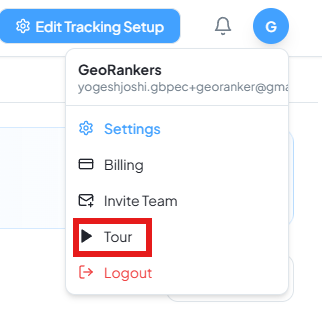
What it is: A guided first-run tour for new accounts.
How it works: Walks new users through the core dashboard sections — Overview, Trends, Performance Insights, Action Center — in sequence, so the product makes sense before you're left to explore alone.
How to use it: Runs automatically on first login. Can be relaunched anytime from Help & Support.
Your Pages in AI Responses
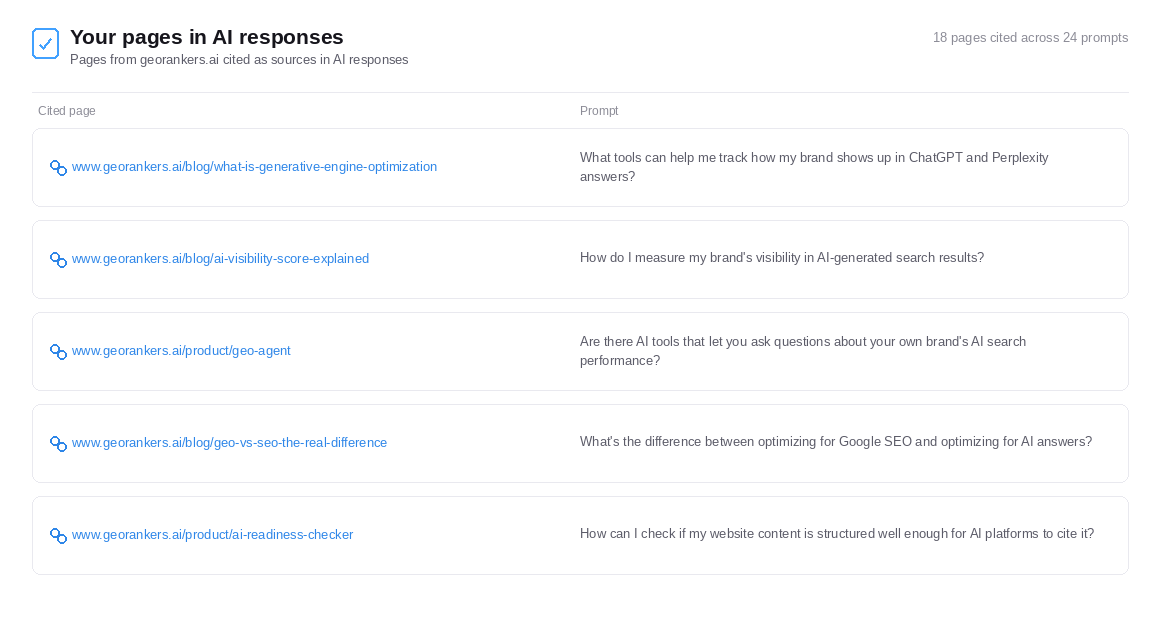
What it is: A live view of exactly which of your own URLs are showing up as sources in AI-generated answers.
How it works: Tracks every page from your domain cited in a tracked AI response, alongside the exact prompt that triggered the citation — so you can connect specific content you've published to specific AI visibility outcomes.
How to use it: Scroll to the bottom of the Overview page to see "Your Pages in AI Responses," with cited page and triggering prompt listed side by side.
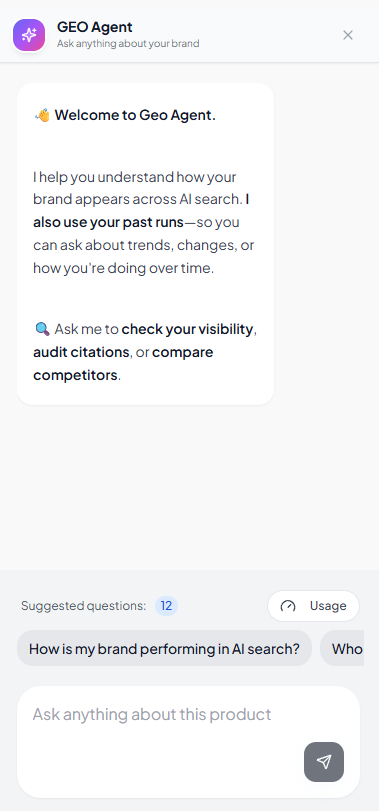
GEO Agent launches
What it is: A chat assistant that answers questions about your brand's AI visibility using your own tracked data.
How it works: GEO Agent has memory of your last 5 analysis runs, so it can answer questions about trends and changes over time — not just your latest snapshot. Ask it to check your visibility, audit citations, or compare competitors directly.
How to use it: Click "Ask GEO Agent" in the top bar from anywhere in the dashboard.
Ready to explore these updates?
Dive into your dashboard to start using the latest features and improvements we added to GeoRankers.
Go to Dashboard